Capo Videos
Tutorials, tips, and musician stories.
Feature Overviews
These videos demonstrate how Capo is commonly used: for learning solos, or tabbing them out on the Mac.
Breaking Up Solos
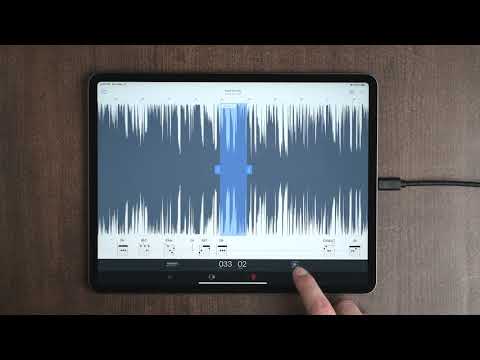
When you're learning a solo, you're doing a lot of this: playing the song, stopping after a few notes, and trying to find them on your instrument. When you forget the notes, you start all over again. That's why we built the Transcription Playhead that you'll see demonstrated in this video. (But I kept calling it the Transcription *Cursor* by mistake!)

Tabbing a Solo, Start to Finish
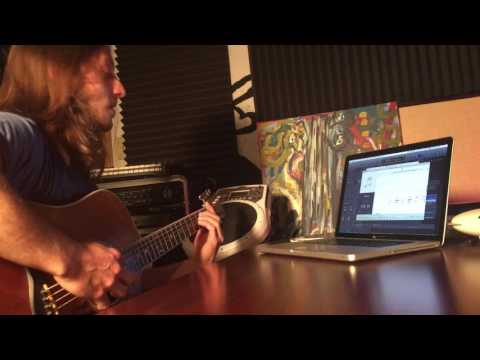
Capo's developer demonstrates the tabbing process by transcribing a solo from scratch on the Mac. This (now classic) video covers it all: scrubbing to hear individual notes, clicking the spectrogram to find the correct ones, dealing with notes that you hear but can't see, and pressing play to confirm your note entries sound right. It's worth three minutes of your time, even if you've used Capo for years.

Quick Hits
These videos are all short, and get right to the point—no more than a minute or so.

Custom Keyboard Bindings: Hold F8 to Play
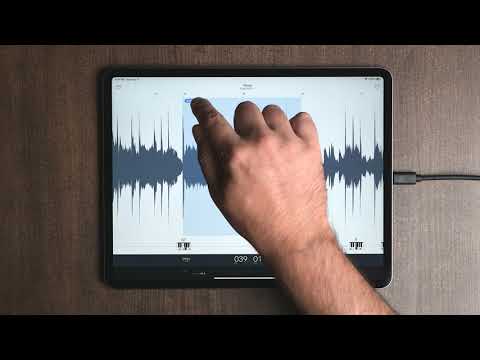
It's so easy to add custom keyboard bindings in Capo, as this video demonstrates. If you bind the F8 key (which has a play/pause glyph on our keyboard) like this, it'll play audio only while you hold it down. If you use this with the Transcription Playhead, it'll make it really easy to review 1-2 notes at a time while you're learning them.

More Short Video Tips


Musicians Using Capo
Players, teachers, and producers walking through a real problem and where Capo fits into solving it.
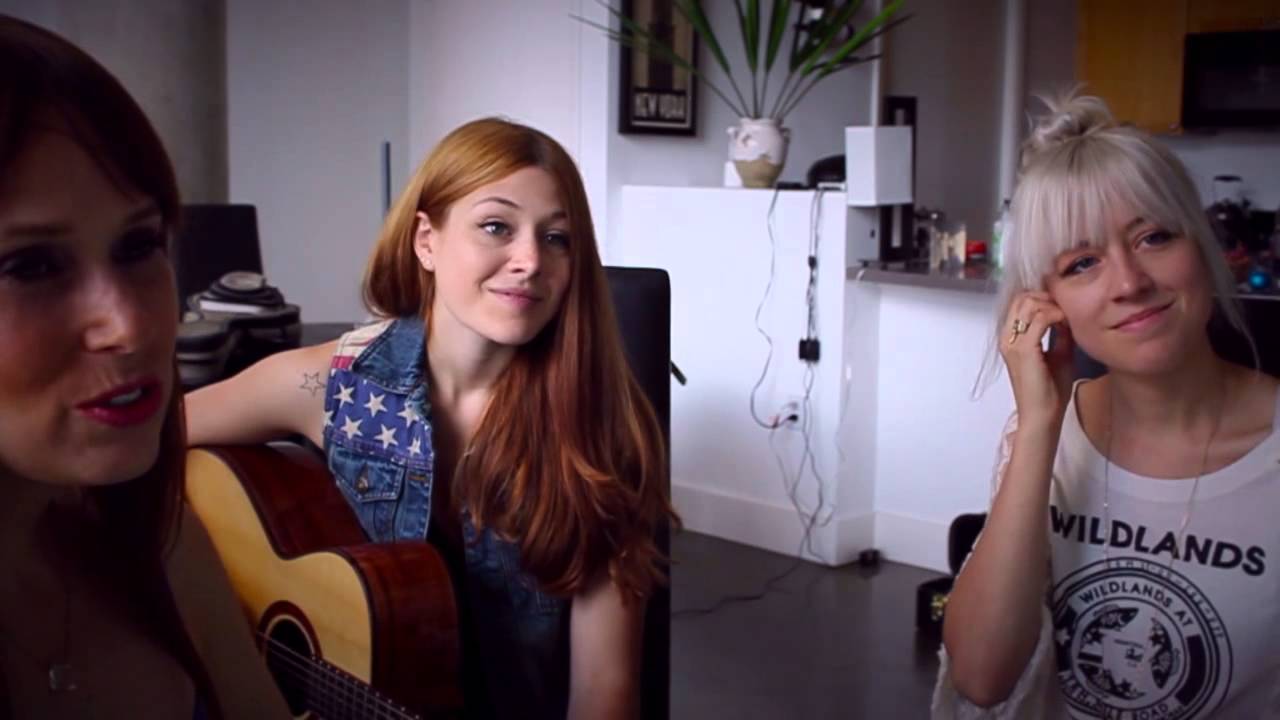
Kristian and Brandon Bush of Sugarland
Kristian and Brandon talk charting songs for session players, and working out what's actually on the record.
I have been wishing for this software for years — whether I'm charting my own songs for the players who join me, or discovering exactly what is being played on a recording I love.

Videos Featuring Hanan Rubinstein
 0:54
Isolating Notes with the Spectrogram
0:54
Isolating Notes with the Spectrogram
 0:53
Tuning the Song, Not the Guitar
0:53
Tuning the Song, Not the Guitar
 1:06
Changing Key Without Stopping the Session
1:06
Changing Key Without Stopping the Session
More Musicians on Capo



Capo at NAMM
We were so pleased to catch up with some old friends and meet new ones who stopped by the Capo booth. Here they share more about their experience with Capo.
Pete Thorn
Session and touring guitarist Pete Thorn stopped by our booth and walked through how he actually works: dropping a difficult phrase to half speed, looping a single bar, and using the mid-range and bass emphasis to pull a part out of a dense mix. He learns in small chunks, and Capo is built for exactly that.
He also makes the case for the pitch controls—moving a song into whatever key a singer wants without retuning the guitar, and nudging older recordings that were sped up in the studio and ended up sitting between keys. With a tour's worth of material to learn, he says, the point is to spend the time playing rather than fighting the recording.